How Flippy moves in Flipping is Hard
Flippy does not walk. The studio says you rotate him with W, A, S, and D, relative to the camera rather than to the way he is facing, then launch him with a vibration jump. A jump with no direction held is the high jump. The long jump is labeled as a direction held plus Space. A separate camera-look key is not printed in the sources used here.
Rotation is camera-relative
The press kit calls the movement torque-based flipping. W, A, S, and D tilt Flippy relative to the camera. The studio's own diagram says the tilt follows the camera, not his facing. Momentum is part of the move. The same page says a good run looks like a phone doing parkour, and a bad one looks like a phone falling down stairs. One mistimed flip can drop him a long way. In the mode the studio calls the intended experience, that drop is not caught by a checkpoint.
That is the whole locomotion the store agrees with. Steam's sentence is that Flippy has no legs, and that the only movements are rotation and a vibration jump. There is no published walk, run, or strafe that leaves the phone upright.
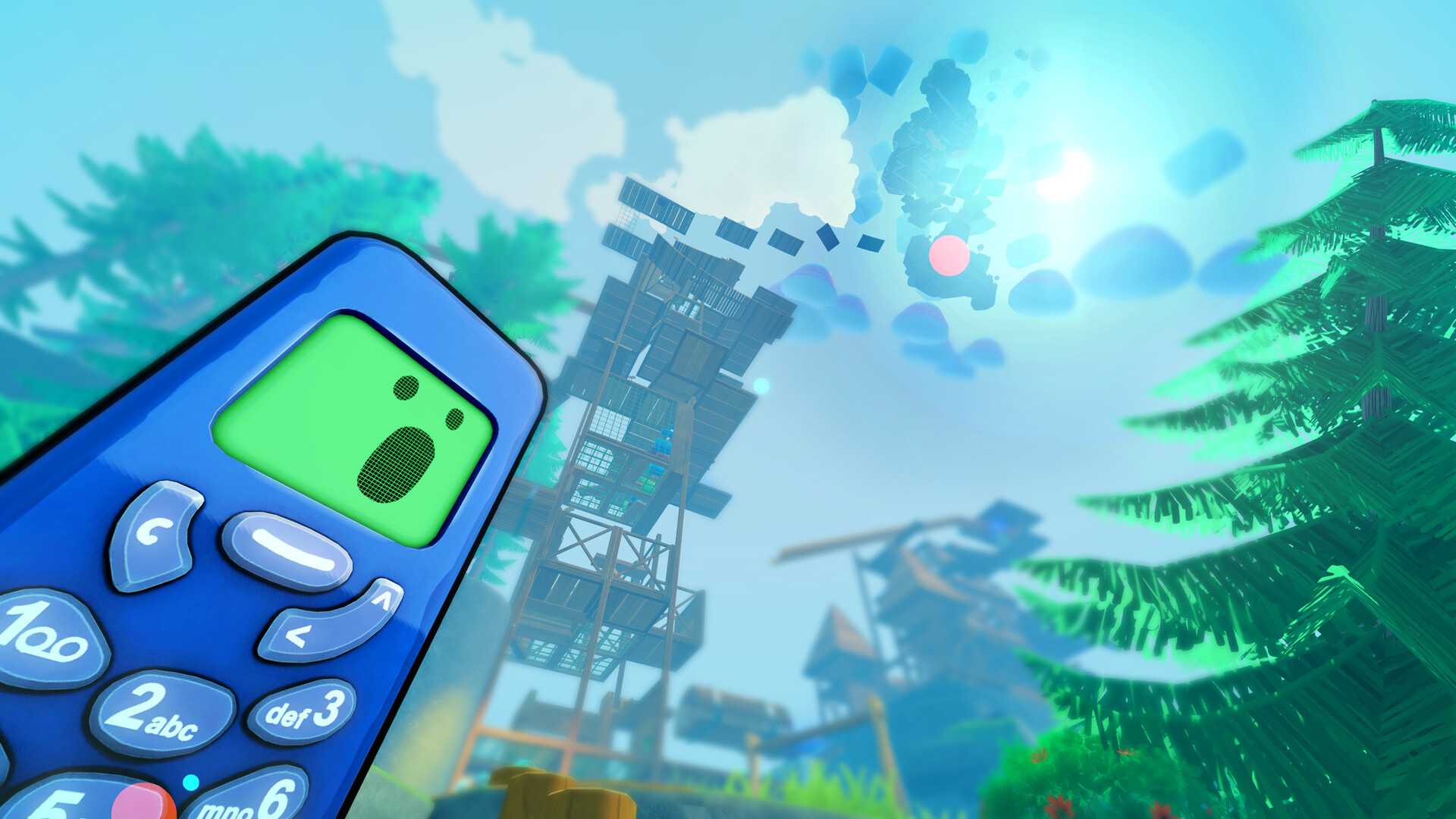
High jump and long jump
The studio splits the vibration jump in two. Jump with no direction held when you want height. Hold a direction while jumping when you want distance. On the studio page, the distance version is labeled "Dir+ Space." The height version is described as a jump with no direction held, and a second key is not printed next to it. This page will not invent that second key. The plain reading is that Space is the jump, and a held direction changes the shape of it. That reading is still a reading. The only key the diagram actually prints is Space on the long jump.
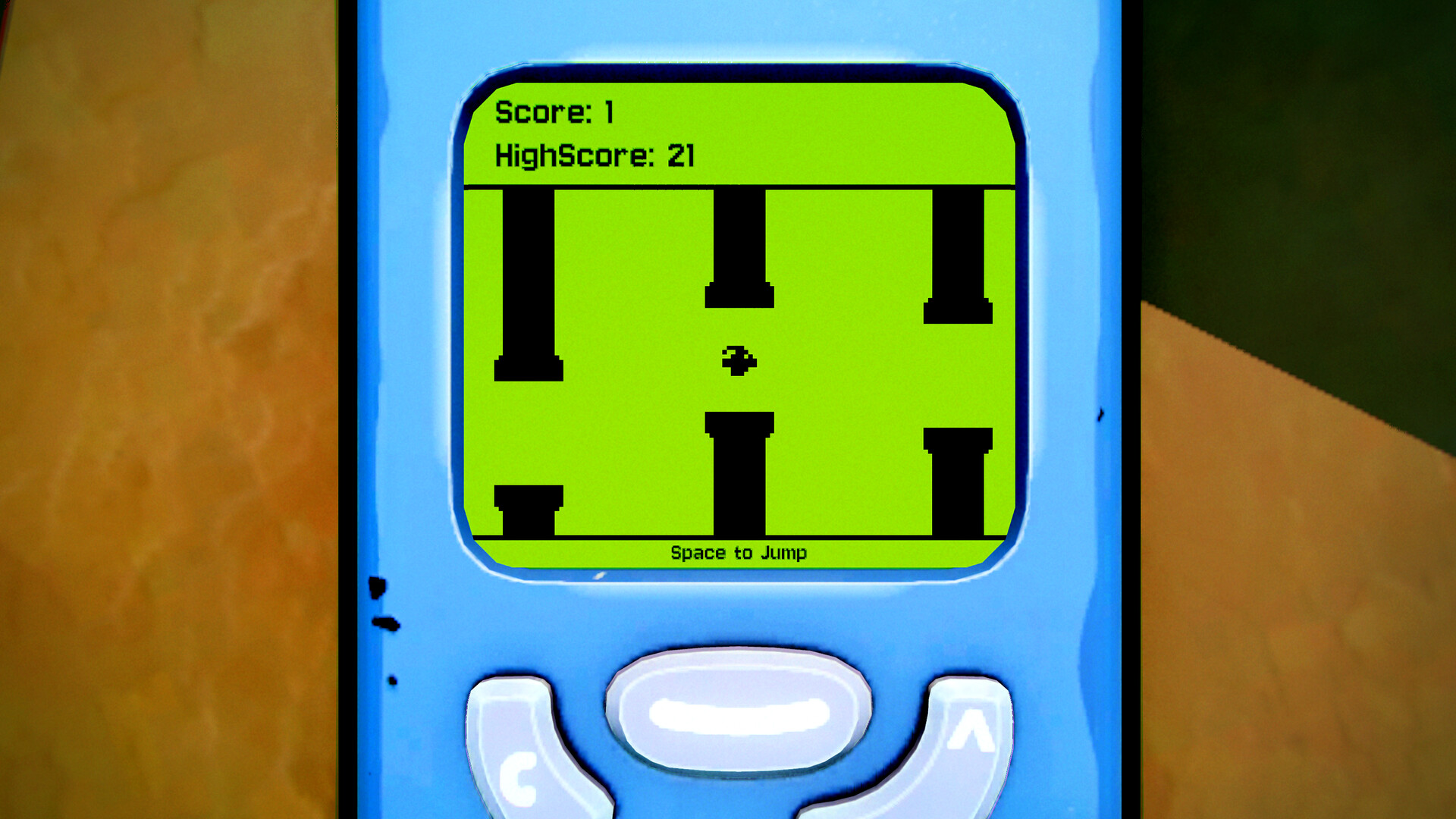
A Steam screenshot of a game on the phone screen is a different Space prompt. The screen shows black pillars, a score of 1, a high score of 21, and the line "Space to Jump." That text belongs to the mini-game in the shot. It supports the idea that Space is a jump key somewhere in the game. It is not, by itself, the climb's control card.
What is published, and what is not
| Action | What the sources print |
|---|---|
| Rotate | W, A, S, D. Torque, relative to the camera, not to Flippy's facing. Press kit and studio site. |
| Long jump | Hold a direction and press Space. Studio diagram. |
| High jump | Jump with no direction held, for height. A separate key is not printed. |
| Open the phone | Tab. Press kit. Store screenshots also show a Tab prompt on the HUD. |
| Change skin category | A skins-menu screenshot shows Q and E at the ends of the category row. That is not a published binding for the climb itself. |
| Look around | The studio says you aim with the camera. The mouse or stick binding is not printed. |
| Controller | Keyboard and mouse, plus full controller support, including DualShock and DualSense. Face buttons are not printed. |
| Pause | Not printed in the sources used here. |
A browser build hosted elsewhere lists arrow keys, a middle-mouse slow motion hold, E to talk, and Escape to pause. That page is not the Steam release notes, and those bindings are not copied onto this guide. If a later studio page prints them for the Steam build, the table above is the one to correct.
What Tab opens
The press kit says Tab opens Flippy's own phone. Inside it: retro mini-games, stats for falls, playtime, and distance, checkpoints, and customization. The store says you can find, unlock, and play classic mobile games from the phone, and that cases, charms, stickers, and other cosmetics are part of the game. The studio adds covers and accessories from hidden loot, NPC challenges, and redeem codes found in the world.
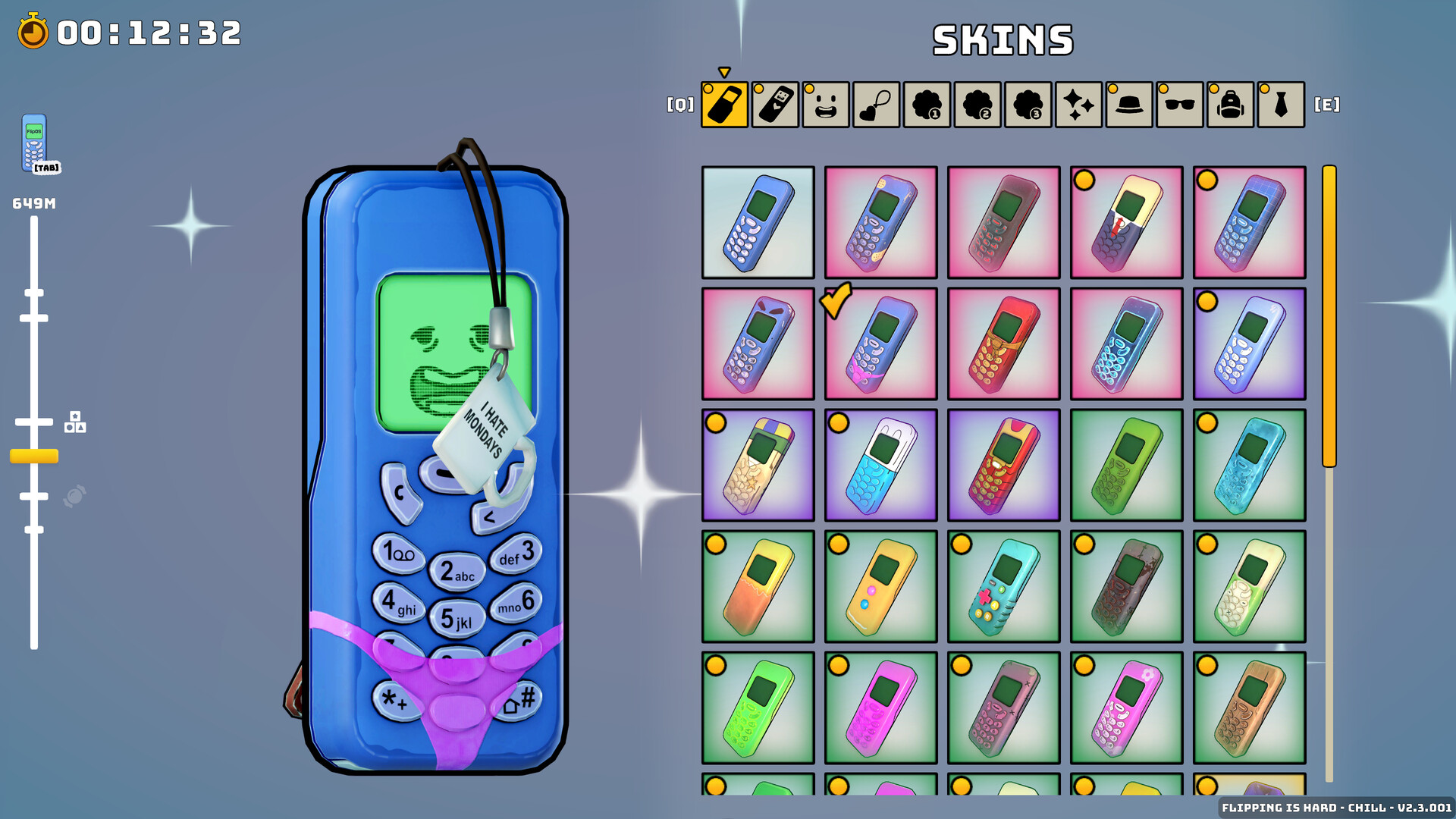
The same screenshots show a timer on the climb HUD. Steam's store text says the game has quick restarts and built-in splits. The press kit adds an in-game timer and says the community runs leaderboards on speedrun.com. This guide does not reprint routes or records.
A Wand Report review names three phone games: Fnake, Flippy Bird, and Floppy Road. Those names also appear on Steam achievement highlights, as Fnake Pro, Flippy Bird Pro, and Floppy Road Pro. The store's short description does not print the titles. The review says the side games are not a break from the difficulty. Unlock rules for the achievements are not on the highlight list.
Modes change the cost of a miss, not the flip
Chill and Hard use the same rotation. The difference the studio prints is checkpoints. Flipping Is Chill lets you collect them and respawn there. Flipping Is Hard, the named mode, has none, and the studio calls that the intended experience. Steam's shorter version is "play with checkpoints enabled" if you want the story with less suffering. A store screenshot's corner label includes the word Chill, so at least some of the public shots were taken in that mode.
Flipping Is Insane is a planned post-launch difficulty on the studio site, next to a planned map editor. It is not described as a mode you can select on the launch-day store page. This guide does not treat it as available.
Leave these blank until a source prints them
- The camera control, mouse or otherwise.
- Whether arrow keys mirror W, A, S, and D on the Steam build.
- The controller layout, beyond "full support" and the DualShock and DualSense names.
- Any slow-motion hold, interact key, or pause key.
- The button for the Help Beam or a microwave. Those tools are described on the co-op page.
Beginner consequences of the two jumps, and of the checkpoint choice, are collected on the tips page. The place you are climbing is the Trashlands.